Best SD card for a retro handheld: what to look for
A cheap no-name microSD card is the most common cause of lost saves and handhelds that will not boot. This guide explains which capacity you need for each system, which speed ratings matter, and how to set up a card properly before you copy your own games to it.

How much space do you need?
Game sizes grow fast with each console generation. Cartridge games are tiny; disc games are large. Plan the card around the newest system you will play.
| System | Typical game size | Suggested card |
|---|---|---|
| NES, SNES, Genesis, Game Boy | Under 4 MB | Any card |
| Game Boy Advance | 4 to 32 MB | 32 GB |
| PS1 | 300 to 700 MB per disc | 64 to 128 GB |
| PSP, Dreamcast | 200 MB to 1.8 GB | 128 GB |
| GameCube | About 1.4 GB per disc | 256 GB |
| PS2 | 700 MB to 4.7 GB per disc | 256 to 512 GB |
Speed ratings that matter
- U3: at least 30 MB/s writing. Enough for any handheld.
- A1 or A2: application performance classes. They matter for Android handhelds that run apps from the card.
- V30: video class, the same 30 MB/s floor as U3. Nice to have.
- The big MB/s figure on the front is the best-case read speed. It matters less than the classes above.
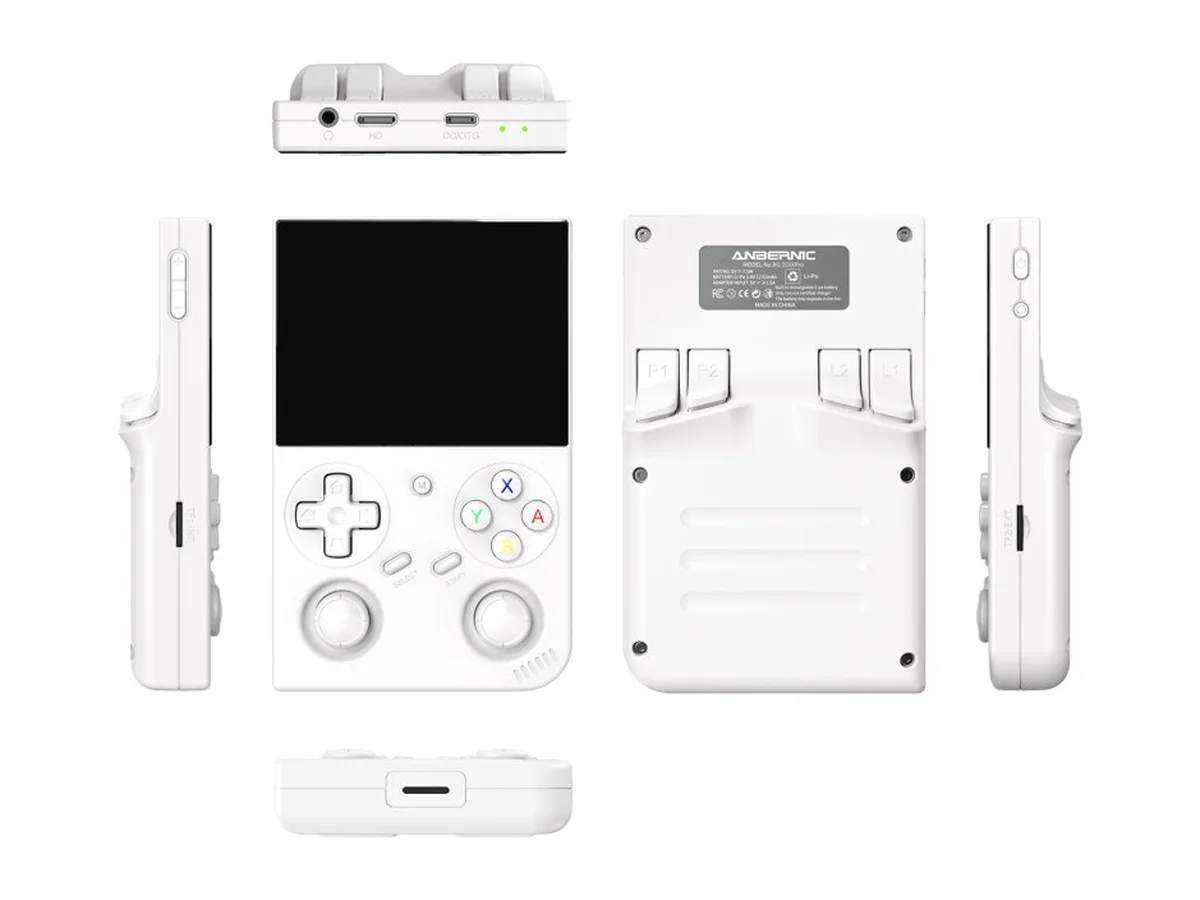
For a Linux handheld like the Anbernic RG35XX Pro, a U3 card is plenty. For an Android handheld like the Retroid Pocket 5, prefer A2.
Avoid fakes and the card full of games
Counterfeit cards are common on marketplaces. They report a large capacity but store far less, and silently corrupt files once full. Buy from the manufacturer's own store or from a seller you trust, and test a new card with a capacity checker on your computer.
Anbernic RG35XX Pro8.4/10Read the review
Setting up a new card
- Check your handheld's instructions: some Linux models, like the RG35XX family, use one card for the system and a second for games.
- Format the card in the handheld or with the format your firmware asks for (often FAT32 or exFAT).
- Let the handheld create its folders, then copy your own games into the matching system folders from a computer.
- Copy your save folder to the computer every few weeks.
Handhelds that ship without a card
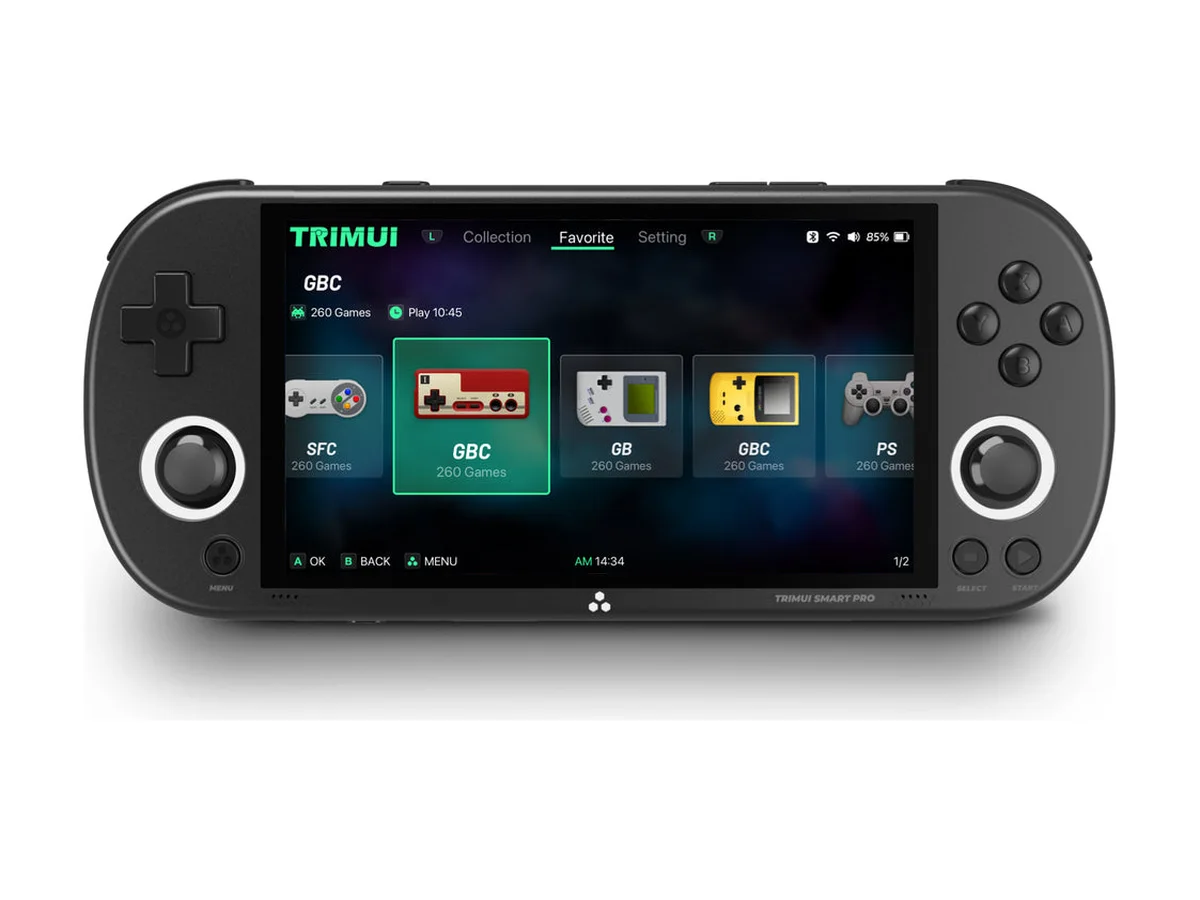
The TrimUI Smart Pro and the TrimUI Brick listings we track are console only. The RG35XX Pro we list comes with a system card and no game card. Budget for a good card on top of the console price.
Figures from official manufacturer spec sheets and US prices checked on November 22, 2026. Images: manufacturers and Amazon; banner photo generated for this site, console unbranded. Scoring: see our methodology.
Our selection
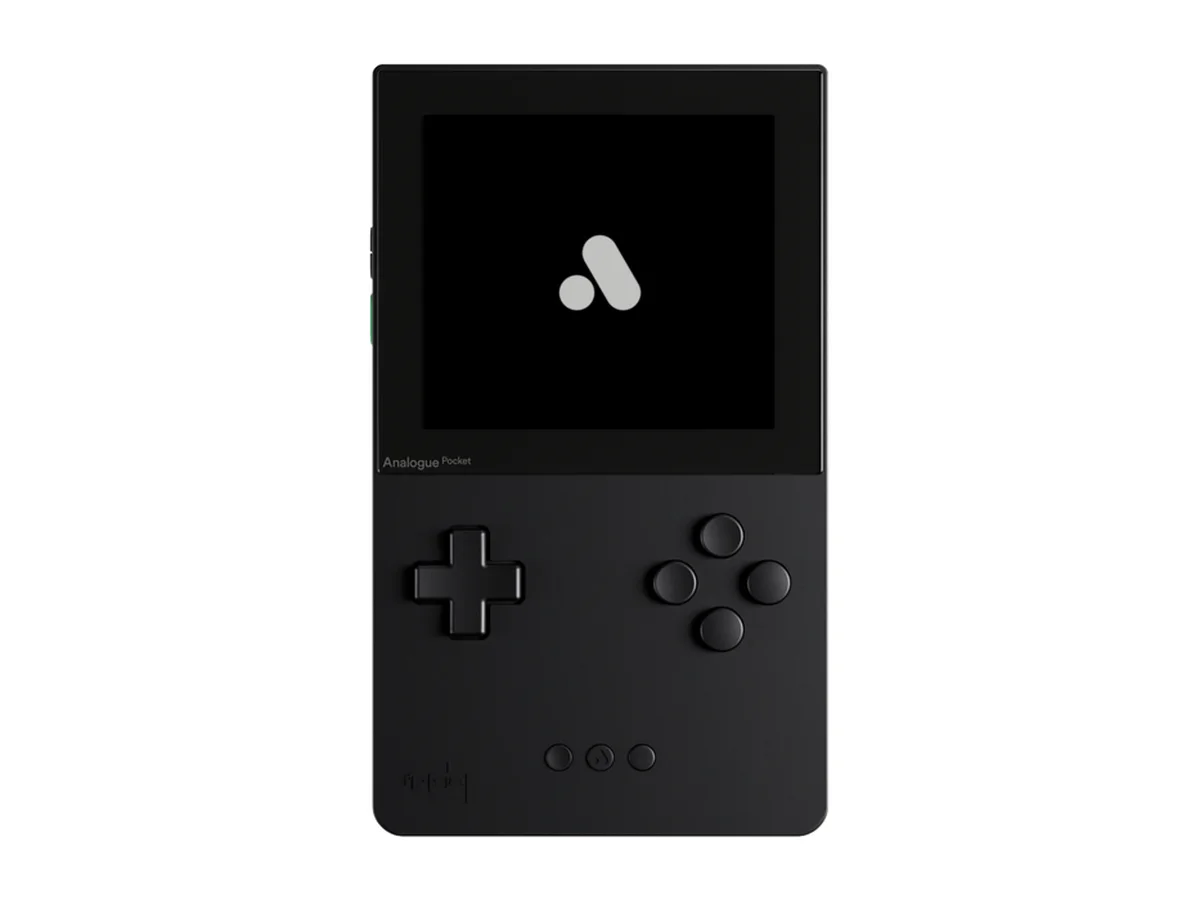
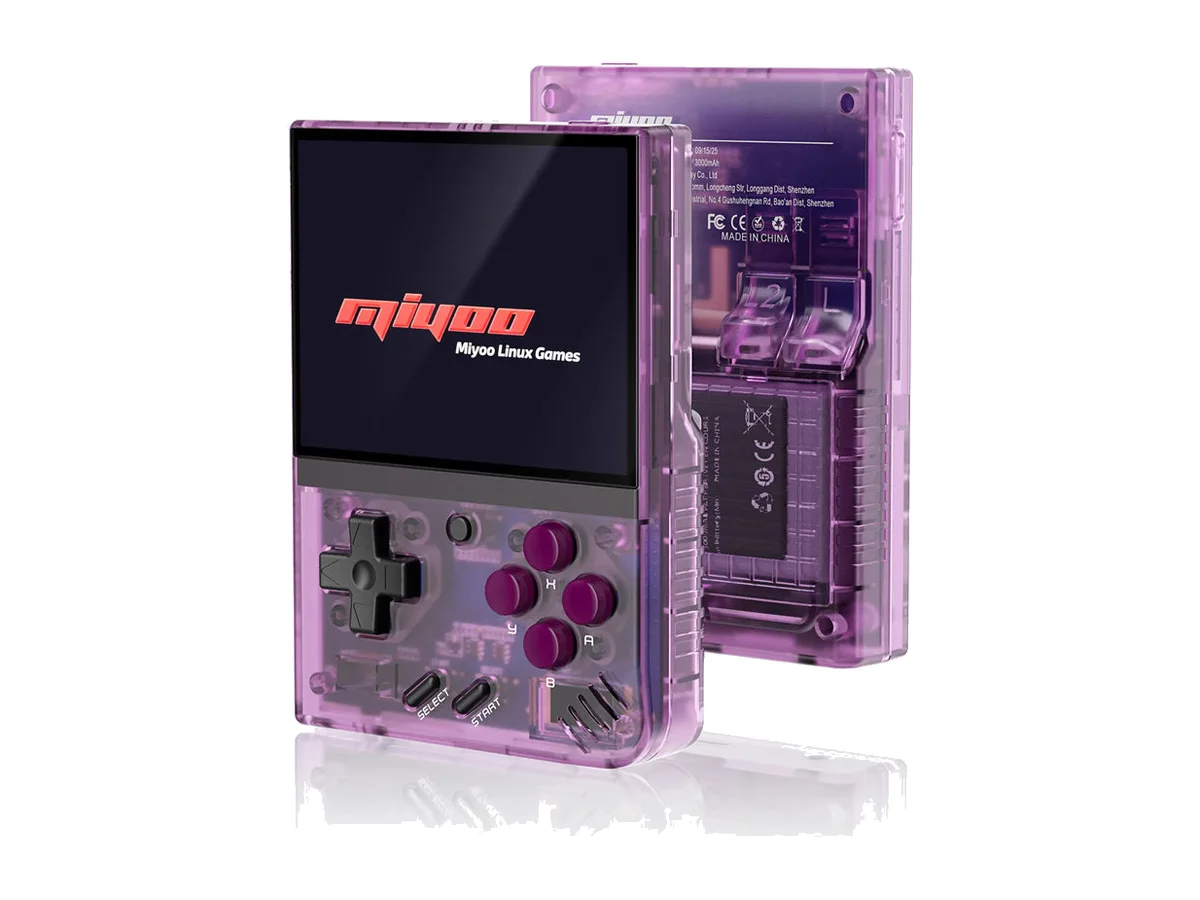
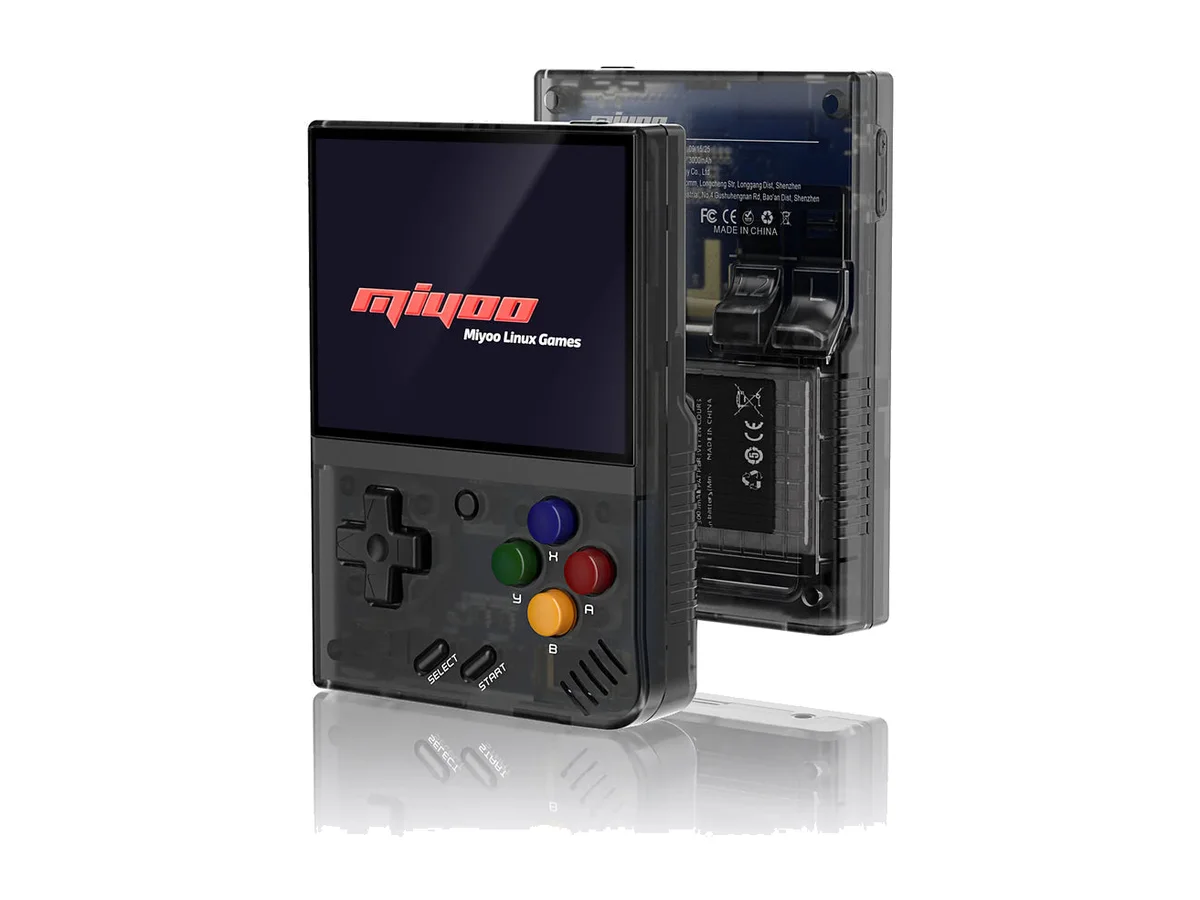
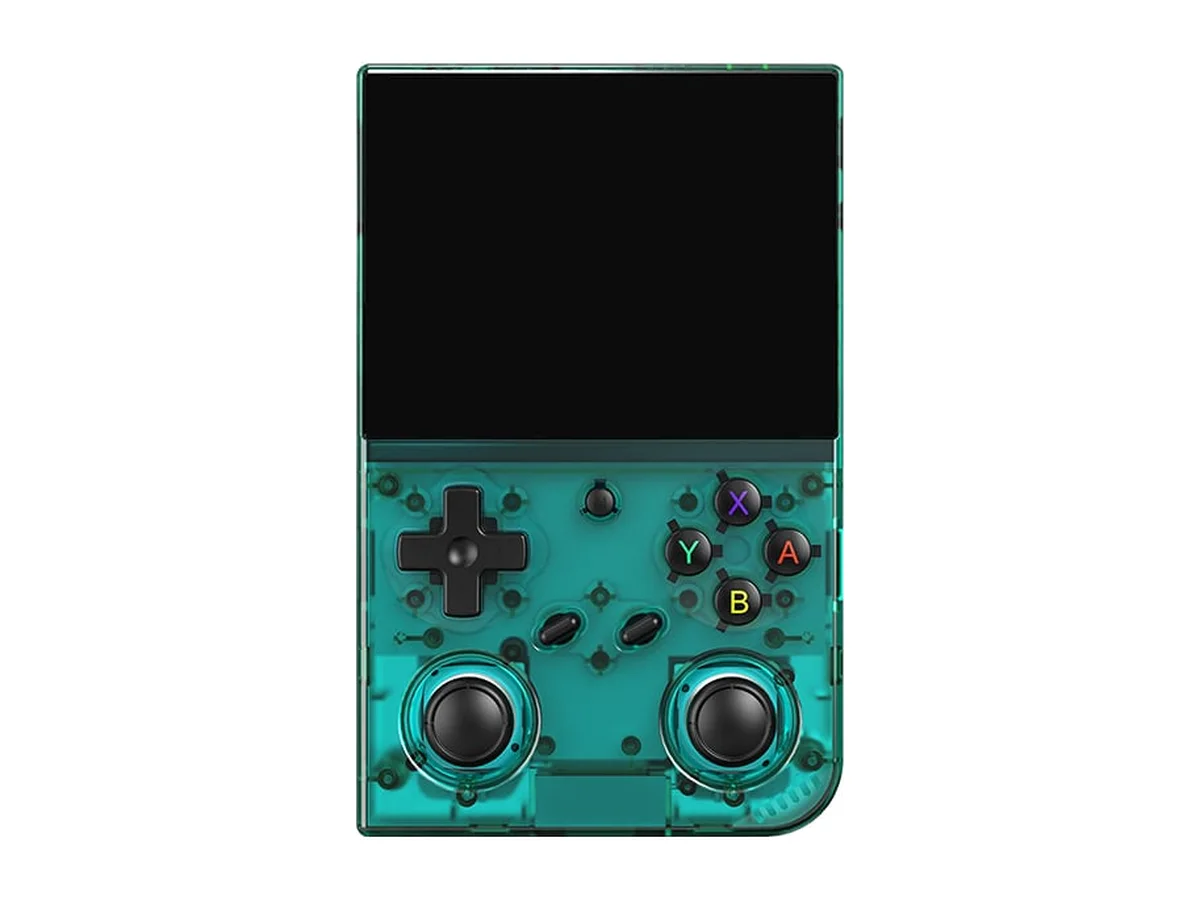
Three rated handhelds mentioned in this guide, at checked US prices.

Frequently asked questions
What size SD card do I need for a retro handheld?
64 GB is enough for the 8-bit to PS1 era. Plan 256 GB or more for GameCube and PS2.
Does SD card speed matter?
Yes, mostly for reliability and loading. Look for U3 and A1 or A2 rather than the headline MB/s figure.
Can I use the card that came with my handheld?
Format it at least. Bundled cards are often low quality and the games on them are rarely licensed.
Why did my saves disappear?
Usually a fake or failing card, or pulling the card while the handheld was writing. Back up saves regularly.